Scroll Rect Tweener
Programmatically scrolls a ScrollRect to a target position with easing.
Scroll Rect Tweener
Tweening solution for ScrollRects, adds smoothing automatically
Contents
1 Overview
3 Methods
4 Usage
6 See also
Overview
The Scroll Rect Tweener is a simple programmatic component that allows you tween from one position on a Scroll Rect to another with a selectable smoothing value
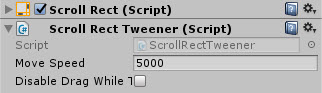
Properties
The properties of the Box Slider control are as follows:
| Property | Description |
|---|---|
| Move Speed | The default speed that the control moves when Tweening |
| Disable Drag While Tweening | Stops the user from being able to disrupt the tweening motion via touch or pointer |
The control is mainly used programmatically with the following functions Function | Arguments | Description
-
ScrollHorizontal float (X Value) X Coordinate to tween to horizontally ScrollHorizontal float (X Value), float (duration) X Coordinate to tween to horizontally overriding the default Tween duration ScrollVertical float (Y Value) Y Coordinate to tween to vertically ScrollVertical float (Y Value), float (duration) Y Coordinate to tween to vertically overriding the default Tween duration Scroll Vector2 (2D position) Tween to the provided X / Y coordinates on the Scroll Rect Scroll Vector2 (2D position), float (duration) Tween to the provided X / Y coordinates on the Scroll Rect overriding the default Tween duration
Note Coordinates are quad based with 0,0 being the bottom left and 1,1 being the top right of the Scroll Rect Area.
Methods
This component does not expose public methods beyond inherited behaviour.
Usage
Simply add the default Scroll Rect Tweener component to a Scroll Rect using:
“Add Component -> UI -> Extensions -> ScrollRectTweener”
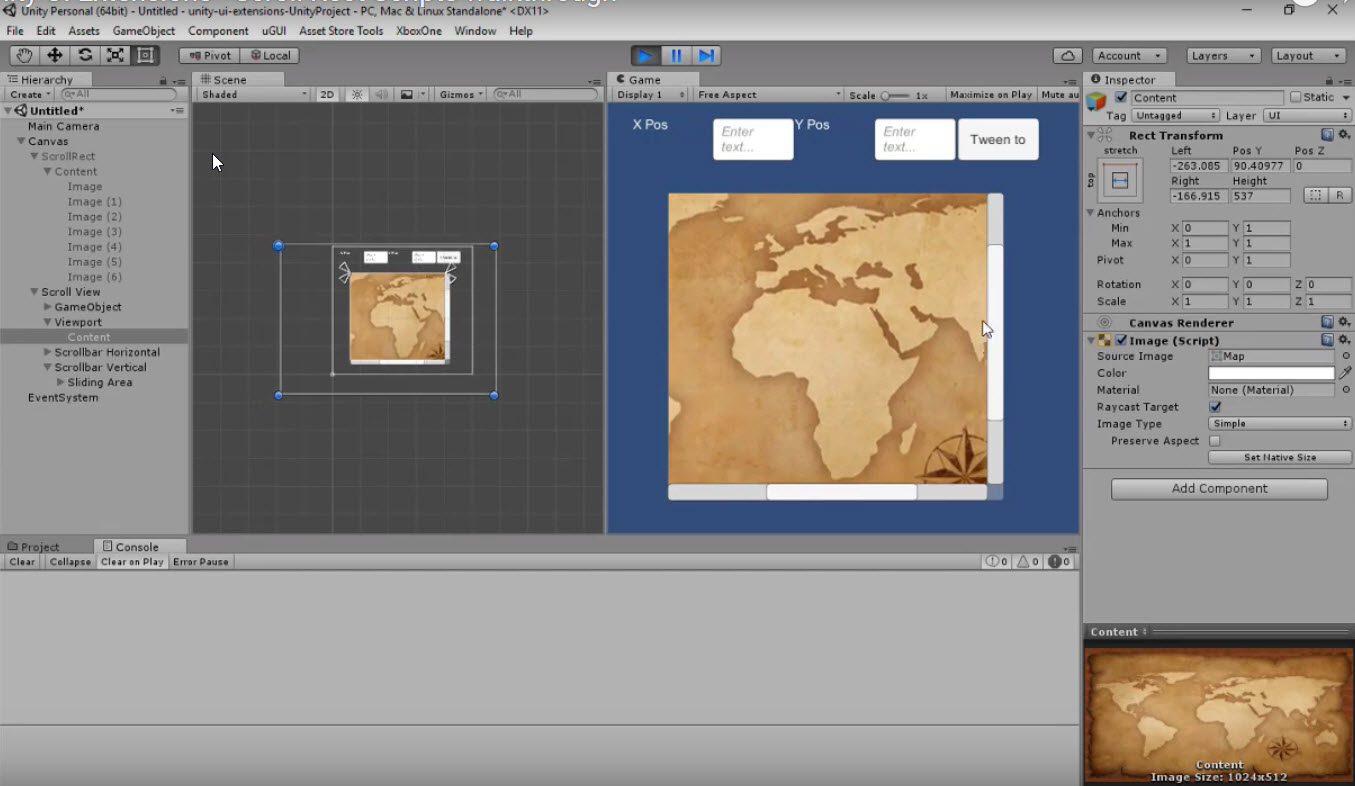
Video Demo
See also
Credits and Donation
Credit Martin Sharkbomb
External links
Sourced from - http://www.sharkbombs.com/2015/08/26/unity-ui-scrollrect-tools/