Unity UI Extensions
UILineConnector
A Line Renderer helper used to draw a chain between multiple gameObjects, like a node connector
Contents
1 Overview
3 Methods
4 Usage
6 See also
Overview
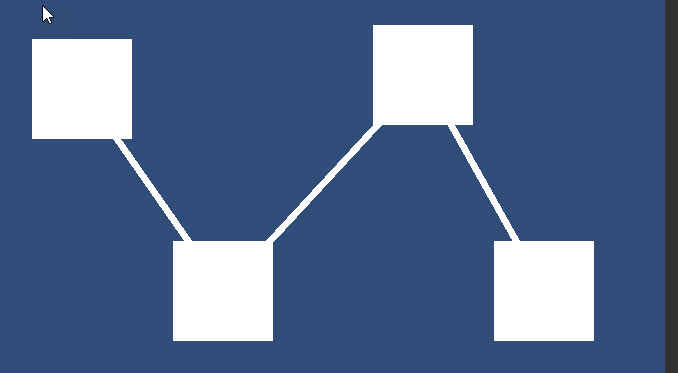
The UI Line Connector, allows you Override the Line Renderer control to build a line connecting the selected GameObjects.
This produces a Node connector style effect between the provided UI GameObjects.
[!NOTE] Depends on the UI Line Renderer component
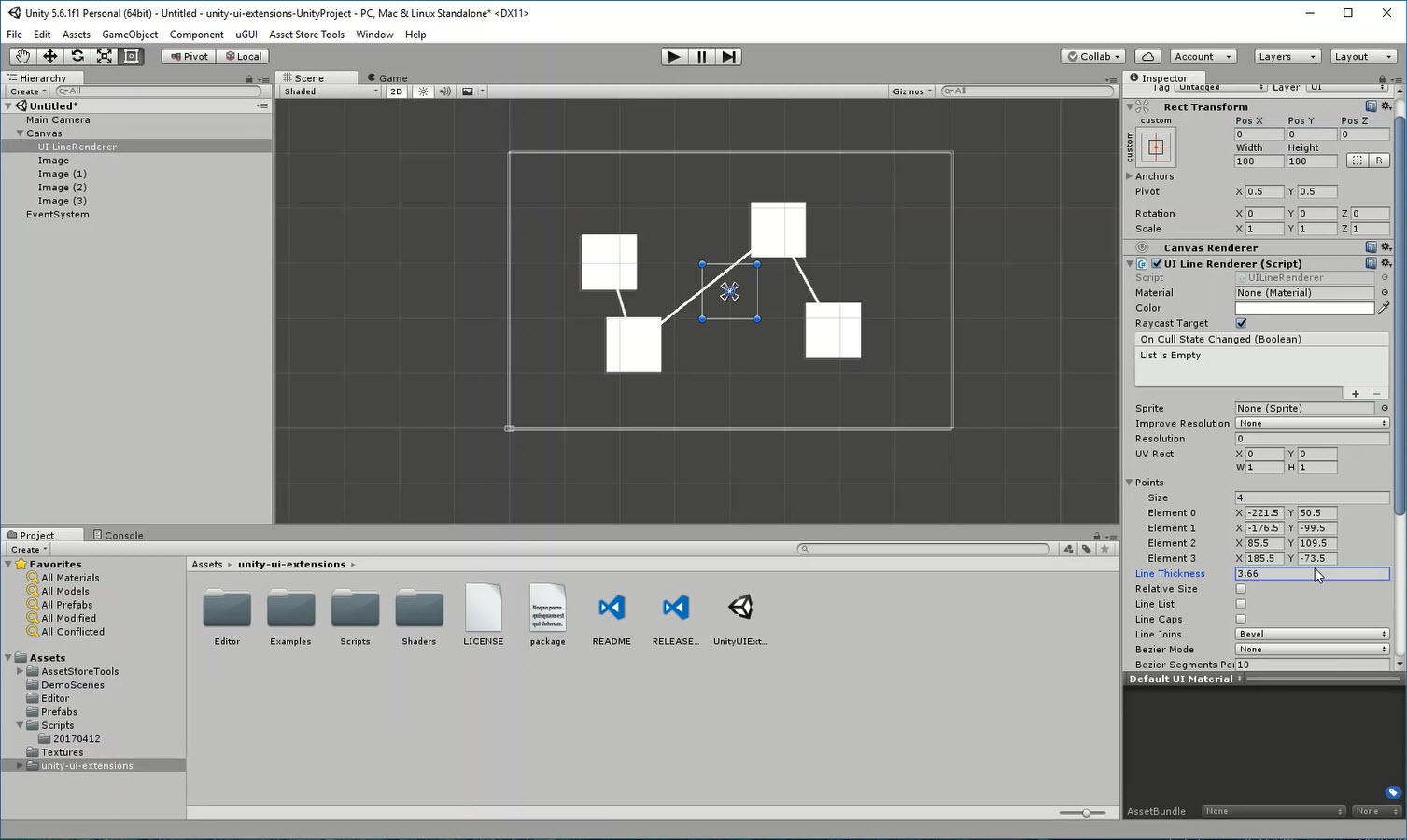
[!NOTE] The Lines depend on the Pivot’s of the Main Canvas, Line Renderer and the Selected GameObjects. Adjust as required. ———
Properties
The properties of the UILineConnector control are as follows:
| Property | Description |
|---|---|
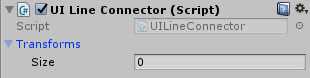
| Transforms | The List of GameObjects to connect lines between |
Requires Line Renderer Component
Methods
This component does not expose public methods beyond inherited behaviour.
Usage
The UILineConnector is available using:
“Add Component -> UI -> Extensions -> UI Line Connector”
This will also add the UI Line Renderer component by default
Video Demo
Click to play
See also
Credits and Donation
Credit Alastair Aitchison
External links
Sourced from - https://bitbucket.org/UnityUIExtensions/unity-ui-extensions/issues/123/uilinerenderer-issues-with-specifying